
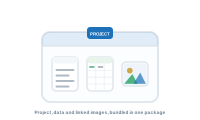
When a project depends on external files – the data it reads and the images it pulls in – moving or sharing it means moving those files too, or the links break. Packaging bundles everything into a single, self-contained unit so nothing goes missing.
DataMergeStudio gathers your project together with the assets it relies on – your datasource and the linked images – into one package. Instead of a project file that points at data and images scattered across your Mac, you get a single bundle that travels as a unit.
The package contains the project itself, its datasource, and the linked images it uses, collected in one place. Open the package and you’re back to a working project, with its data and images where DataMergeStudio expects them.
See the bigger picture of what a project holds: What is a project?