
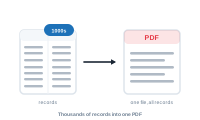
Merging thousands of records into one giant InDesign document is where the process slows to a crawl or runs out of memory. Here’s the faster, more reliable route: let DataMergeStudio split the run into smaller documents, assemble them into a book, and produce one combined PDF.
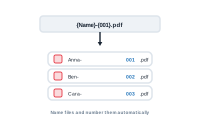
You want exported files named meaningfully and numbered automatically, not a folder of untitled files.

You want different records or values to look different — emphasise a price over a threshold, flag a status, give a row its own treatment.
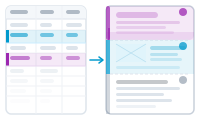
You want to show or hide InDesign layers per record — a different badge, a seasonal banner, an optional disclaimer — driven by your data.
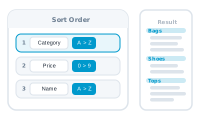
You don’t want every record, in any order — you want to choose which ones run, and handle the awkward ones.

You want clickable links in the output — a product URL, a “read more”, a landing page — one per record.