
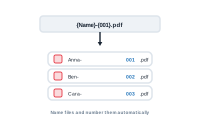
You want exported files named meaningfully and numbered automatically – not a folder of untitled files. DataMergeStudio builds the names for you in the export settings.
Open Export → Merge Mode and find the Filenames section: a Static filename field and a Configure Filename Template… button.
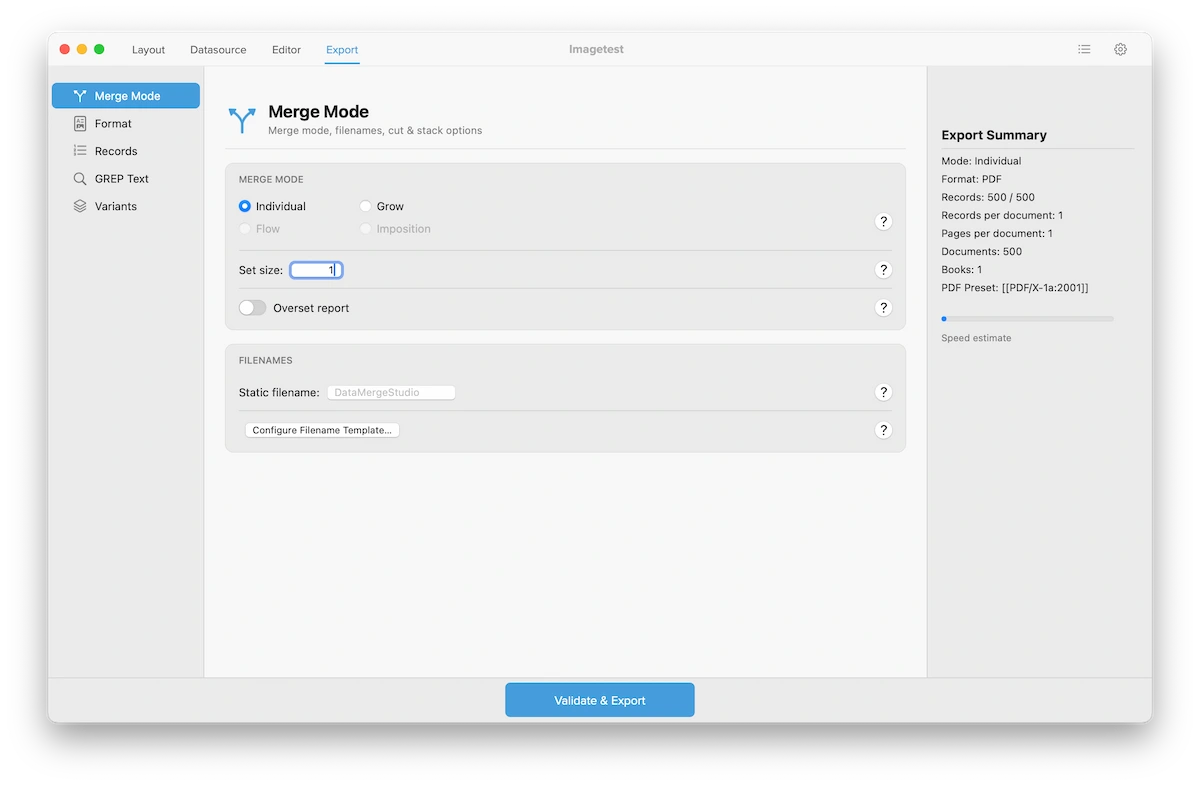
In most merge modes, type a Static filename. DataMergeStudio appends a running number automatically – datamergestudio_1, datamergestudio_2, and so on. Good when the files just need to stay distinct and in order.
When you produce one document per record (Individual mode at Set size 1), click Configure Filename Template… and build the name from your data columns – invoice_10042, badge_smith. Mix fixed text, data fields, and an automatic counter to get exactly the naming you want.
📷 Screenshot [NEU]: the filename template editor, building a name from data columns
If variants are active, each variant’s suffix is added at the very end of the name – order_42_de, order_42_en. See Run multiple languages in a single merge.
Files that sort and identify themselves at a glance – no manual renaming.