
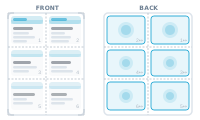
You want many records on a single sheet – business cards, labels, tickets, badges – printed several-up and cut apart.
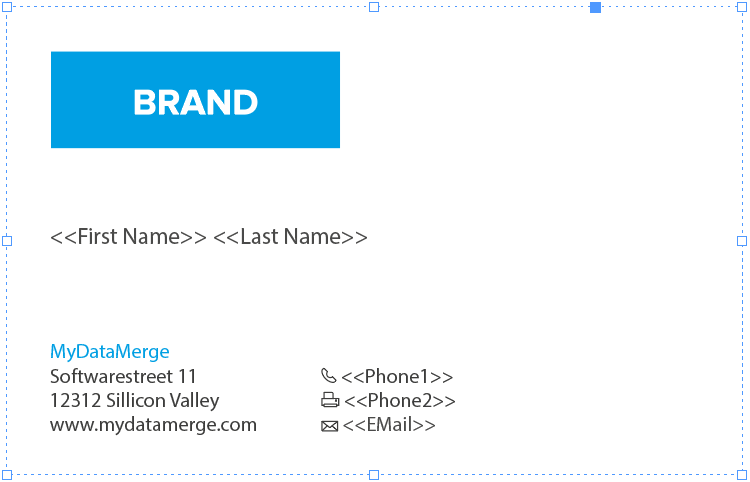
You have a business card that you want to have 8 times on a sheet including their rear sides. First of all, layout one business card with all placeholders in InDesign and group it. By grouping it, DataMergeStudio knows now that all the placeholders inside the group belong together.
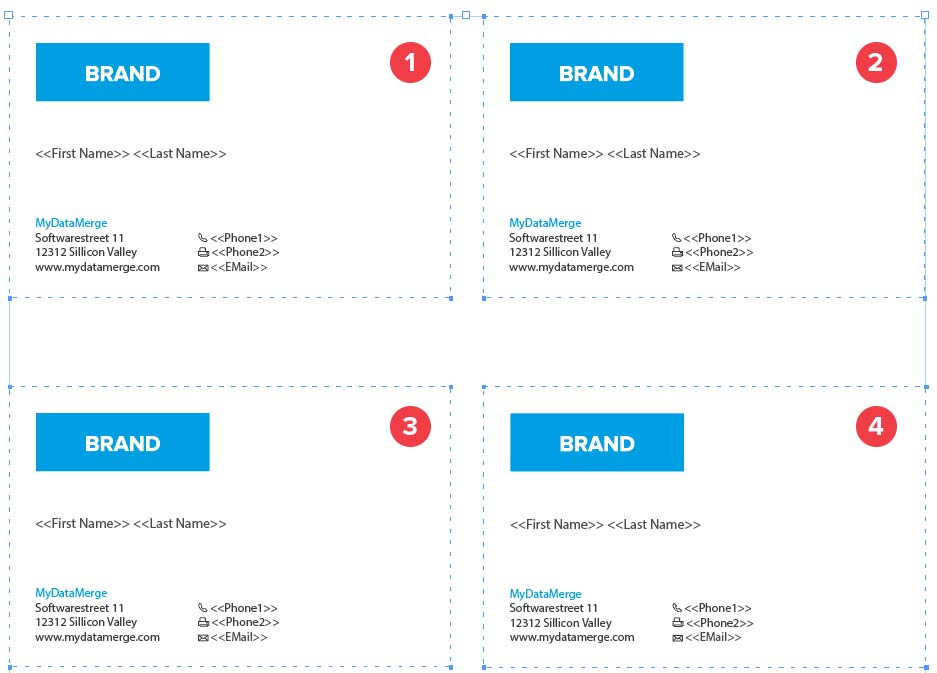
Next, duplicate (or copy/paste) the group to create another business card. Arrange it on your sheet in the order you want the data to be merged. This can be from left to right like in the below example [1 to 4] or right to left, or up to down …
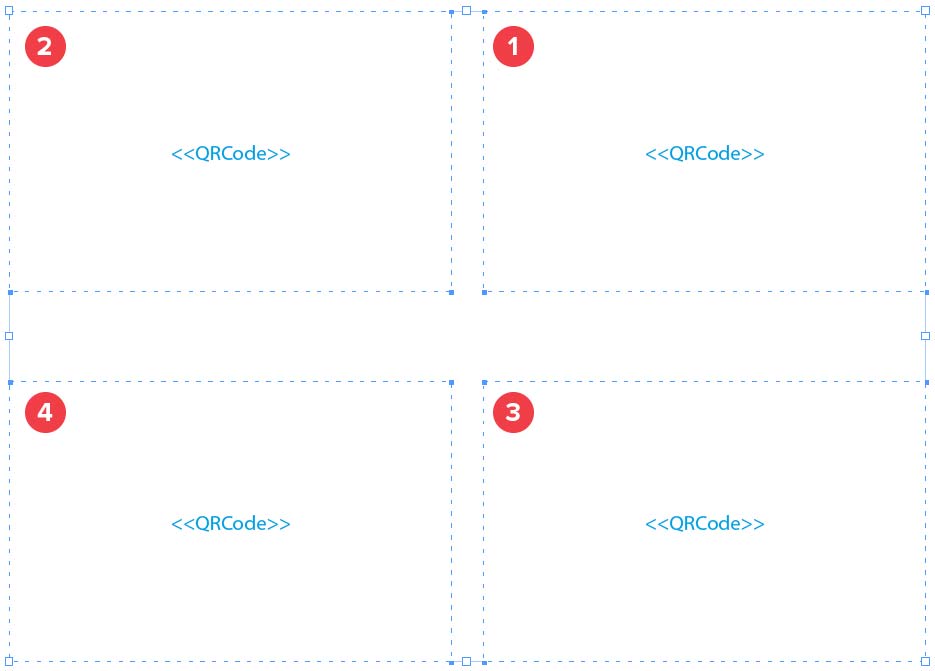
Now on the next page you arrange groups of the rear sides of the business cards, but as the rear side is mirrored you need to start from right to left [1 to 4] with arranging groups:
Then head over to the export section and select “Imposition” as merge mode and set your amount of records in “Records”. Select the export format you like and hit “Validate & Merge”. If your node graphs require attention, the validation will bring it up.
Printing many sheets and guillotine-cutting them into ordered piles? That needs careful ordering – see Print Stacks That Cut Correctly.
A press-efficient sheet that carries many records, ready to print and trim.