
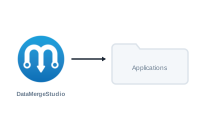
Installing DataMergeStudio takes a minute: download it from your account, drag it to Applications, and open it.
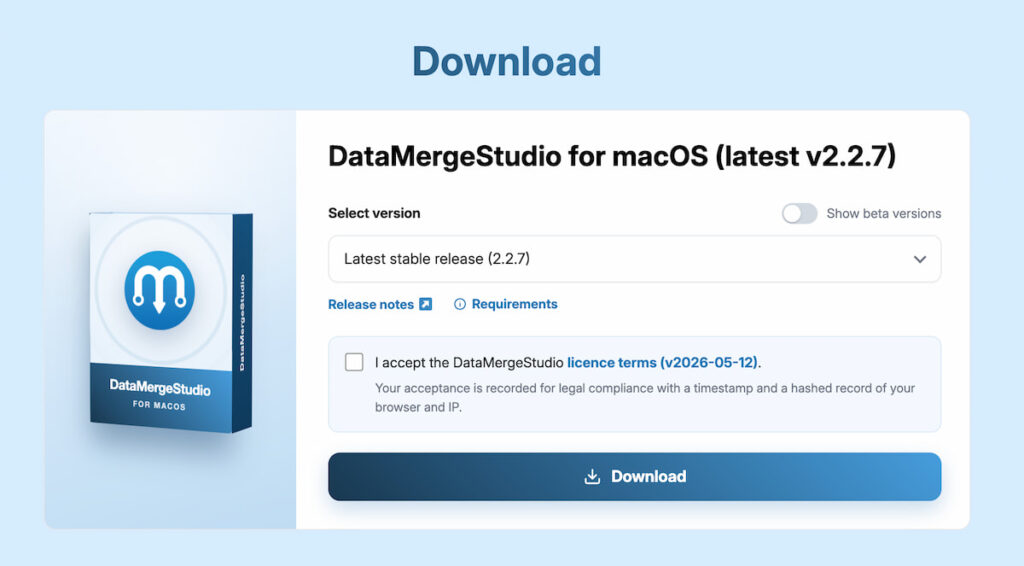
Sign in to your account at datamergestudio.com and open the Downloads section. Download the latest DataMergeStudio disk image (.dmg).
Open the downloaded .dmg and drag the DataMergeStudio icon into your Applications folder. That’s the whole installation – you can eject the disk image afterward.
Launch DataMergeStudio from your Applications folder (or from Spotlight). On first launch it asks for your license key. Depending on the tier your key is bound to, it grants a time-limited trial or a full subscription.
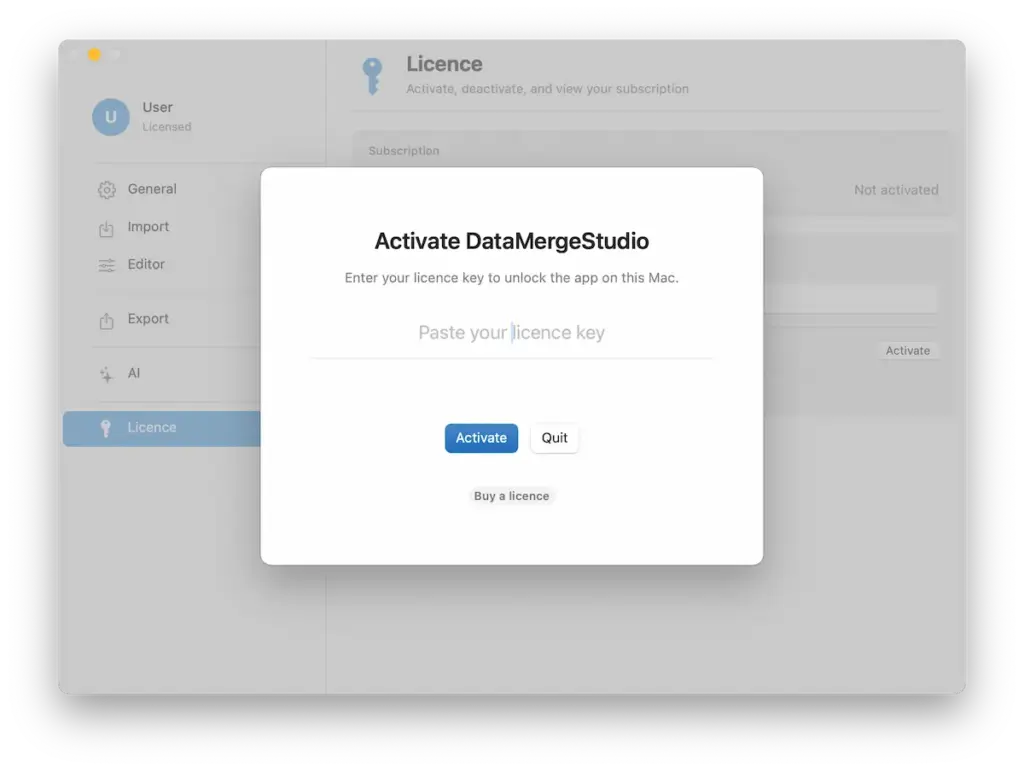
Continue with Activating your license and signing in.