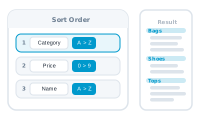
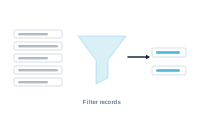
Sorting and filtering shape the record set handed to the merge — which records run, and in what order. Both live in the Datasource area, and neither touches your original…
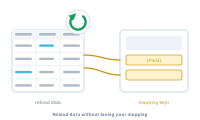
Your data changes — prices update, a few rows get added, a typo is fixed. You don't have to rebuild anything. Reload the datasource and your whole setup carries over.
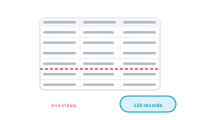
Before you merge, it helps to know exactly how many records DataMergeStudio will produce. The record count is that number — and where your data "ends" decides it.
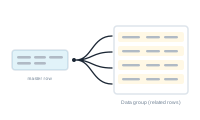
Sometimes a record shouldn't pull in every related row — only the ones that matter. A data group filter narrows the related rows down to those you want.
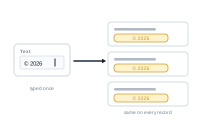
Not everything in a merged document has to come from your spreadsheet. Static text lets you supply a fixed value yourself — the same for every record, with no column…
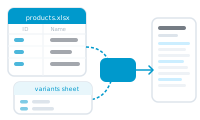
When a single table can't hold everything a record needs, you spread your data across several sheets in one Excel workbook and let DataMergeStudio tie them together.