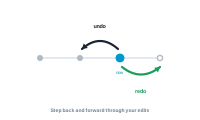
Undo, redo, and editing safely The editor supports full undo and redo, so you can experiment without fear of breaking your setup. Read more
Tidy up: Letting the editor arrange your nodes As a graph grows, it can get messy. Tidy Up lets the editor arrange your nodes for you, so the canvas stays readable. Read more
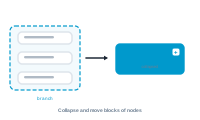
Branches: Collapsing and moving blocks of nodes Your graph is built of branches. Like the twigs of a tree, every path runs inward to the trunk — the central node. Read more
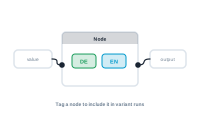
Tagging nodes for variant runs You assign each node to a variant through its Variants dropdown. Read more
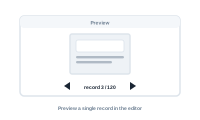
Previewing a single record in the editor Before you produce hundreds of documents, preview a single record in the editor to see exactly what your graph will output. Read more
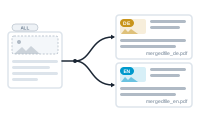
What are variants, and when to use them Variants let you produce several versions of the same merge in one go — the same project, output in more than one form. Read more
The AI assistant: Building your merge with help The AI assistant helps you build your merge. You'll find it in the workspace, and you can ask it, in plain language, to create, configure, and connect nodes for you. Read more
The AI node: Letting AI write or translate for you The AI node brings generative AI into your merge. It can write, rewrite, translate, or summarise text for each record, as a step in the graph. Read more
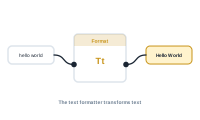
The text formatter, explained The text formatter shapes text — changing case, replacing, truncating, padding, reformatting dates and numbers, and much more. Read more
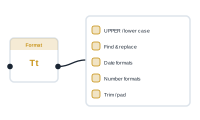
Text formatter operations: Case, replace, dates, numbers, and more Everything below lives in the single format node. Toggle on what you need — you can combine many at once, and the node applies them together. Read more