
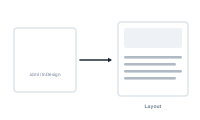
When you bring an InDesign file into a project, DataMergeStudio reads it and works out what it can fill with data. This page explains what happens at that moment.
On import, DataMergeStudio inspects your InDesign document and finds the placeholders in it – the text spots and frames meant to receive data. These become the targets you map your fields to. The rest of your design – styles, static text, images, grids – is left exactly as you made it.
If you’ve already loaded a datasource, this is where the two come together. Autolink can immediately match the placeholders it found to the fields in your data, so much of your mapping is done the instant you import.
Your layout isn’t frozen. Edit the InDesign file – move things, restyle, add or rename placeholders – and bring the updated version back in. Thanks to resilient mapping, your existing connections are kept wherever they still make sense, and DataMergeStudio asks you only about the spots it can’t match on its own.
Learn the core building block of a layout: What Is a Placeholder?