
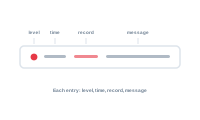
A log entry tells you what happened, where, and to which record – enough to find and fix the cause. The log opens either automatically if an error appeared or you can open it at the top right, next to the preferences gear icon.
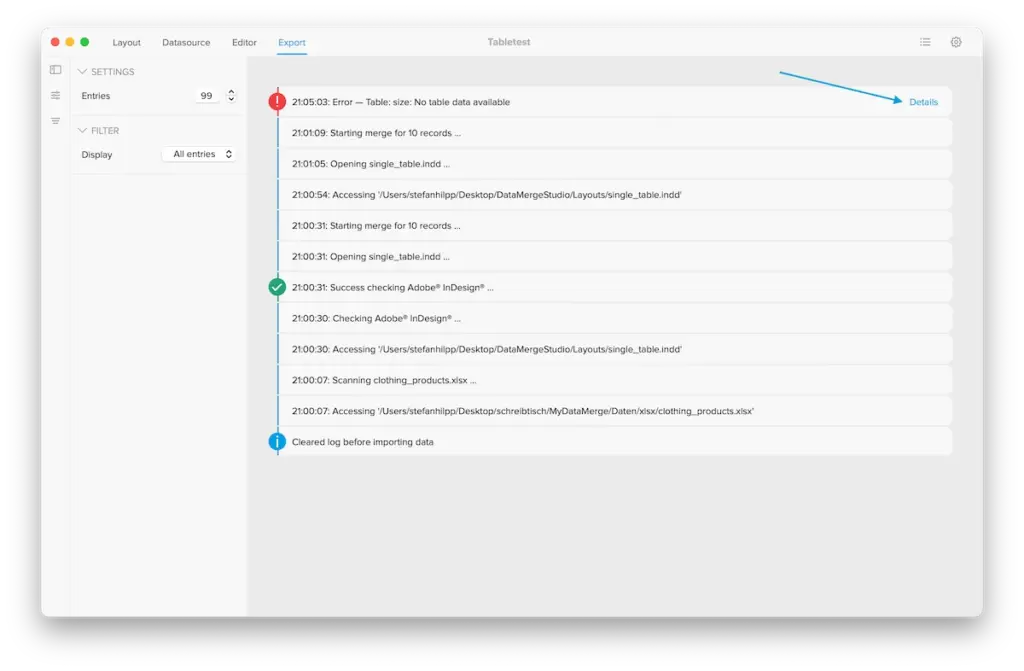
Each entry is informational (no icon or info icon), a success message (green check) or an error (red exclamation mark). An error always describes the problem and points at its context in the detail popup: which record(s) was being processed, and which part of your setup was involved. Read it as two things – what went wrong, and where to look. It additionally includes a button to jump to the editor – right to the part producing the error.
With the record and the location in hand, you can reproduce the situation: open that record in the preview, check the data behind it, and inspect the node or placeholder named. The entry is the thread; pull it to the cause.
Tell the serious from the minor: Errors vs. Warnings