
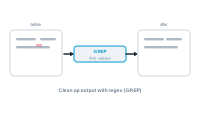
GREP after merge cleans up the text in your output using find-and-replace patterns, applied once the merge is complete, across all the documents it produced.
Some clean-ups are easier after the merge than before: a stray double space, a placeholder that should become a symbol, a pattern that needs reformatting. A GREP text action searches your merged documents for a pattern and replaces it – applied to every document in the run.
Manage your patterns: Adding, Editing, and Toggling GREP Rules