
DataMergeStudio can take you straight to the results when a run finishes – opening the files and the output folder – so you don’t go hunting for them.
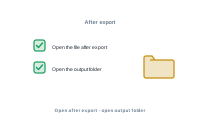
For PDF, turn on Open after export to open the produced files as soon as the run finishes, so you can check the result right away.
📷 Screenshot [NEU]: the "Open after export" option
In the dialog where you set the output title and folder, turn on Open folder after export to reveal that folder when the merge is done – the freshly produced files right in front of you.
📷 Screenshot [NEU]: the "Open folder after export" option in the output title/folder dialog
Produce every variant in one run: Exporting multiple variants in one run