
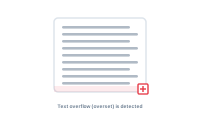
Text overflow happens when a value is too long for the frame it’s placed in. DataMergeStudio detects it for you, so you find out on screen – not in a stack of printed pages.
A frame has a fixed size, but your data doesn’t. When a record’s text is longer than its frame can show, the extra is hidden – that’s overset text. Across hundreds of records, it’s easy for a few to overflow without you noticing.
DataMergeStudio checks your output for frames whose text overflows and flags the records where it happens, so the problem surfaces automatically rather than slipping through.
Overflow usually means the frame needs to be bigger, the text shorter (truncate it with the format node), or the styling tighter. Fix the layout or the data, then re-run.
See the full list of affected records: The Overset Report