
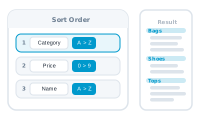
You don’t want every record, in any order – you want to choose which ones run, and handle the awkward ones. DataMergeStudio shapes the set before the merge and lets you branch per record.
In the Datasource sidebar menu, turn on Filter and/or Sorting. This shapes the data set before it reaches the editor.
📷 Screenshot [NEU]: the Datasource Filter and Sorting panels
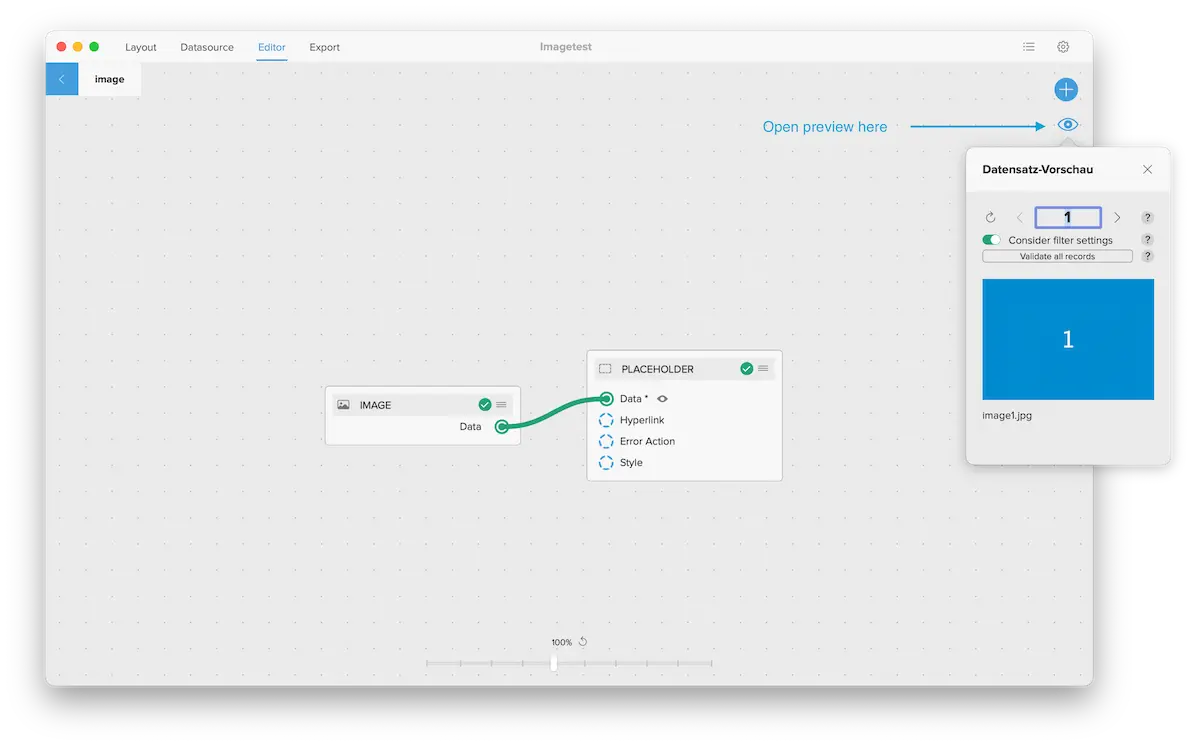
Tip: in the preview, turn on Consider filter settings to step through only the filtered records.
Within the records that run, a condition node evaluates each record and routes it down its true / false outputs – use it to switch content or handle edge cases. When there are several cases to tell apart, use dynamic conditions.
A condition can’t skip a whole record: the central node needs data for every record it processes and reports an error if it receives none. To leave records out entirely, exclude them with the filter above or an export record range below.
📷 Screenshot [NEU]: a condition node branching records by a rule
If a record shows related rows (a master-detail list), limit which ones appear with a data group filter on the Data Group node – see Show a list within a record.
To produce just part of the set in one run, set a record range under Export → Records.
📷 Screenshot [NEU]: the record range under Export → Records
The merge runs on exactly the records you want, in the order you want, with edge cases handled.